Browser Version
Chrome 100+, Safari 15+ and Firefox 100+ all render the mobile lobby correctly. Older browser versions may show layout issues — update through your device's app store if needed.
The luckyland app experience is built around fast browser access on any modern smartphone — slots, live dealer tables, and your NFL betslip load without a separate download, and access depends on your state's current regulations.

The luckyland mobile experience runs through your browser rather than a native app, which means compatibility depends on browser version and screen size rather than operating system. Here's what to verify on your device before your first mobile session.
Chrome 100+, Safari 15+ and Firefox 100+ all render the mobile lobby correctly. Older browser versions may show layout issues — update through your device's app store if needed.
The interface scales for screens from 375px wide up to tablet size. Both portrait and landscape orientations are supported across the lobby, betslip, and Session Reminder Settings page.
Your existing luckyland account works on mobile without any separate registration. Log in with the same email and password — or biometrics after the first session.
Access to the sportsbook and casino lobby is gated by location check at login. The app will tell you directly if your state isn't currently supported rather than letting you set up and then finding out later.
Check the Help section of your account for the current device compatibility list. We update it when browser support changes — the Help section reflects the live status, not a static document.
Mobile access on luckyland isn't just a shrunken desktop view. These four capabilities are built specifically for the smaller-screen experience and the way most people actually use their phones during a game day.
Biometric login skips the password step entirely. Touch ID or Face ID authenticates your account in under two seconds, keeping access smooth without cutting corners on security.
Opt in and we'll send alerts when NFL same-game parlay markets go live or when a slot-feature room like Star Spangled Aviator Climb has activity worth checking.
The mobile interface honors your device's dark mode setting automatically. Late-night browsing through the live dealer lobby is easier on your eyes without any manual toggle.
Your recently visited game tiles cache locally, so you can browse your shortlist even when signal drops briefly — then connect and load the actual game when you're back online.
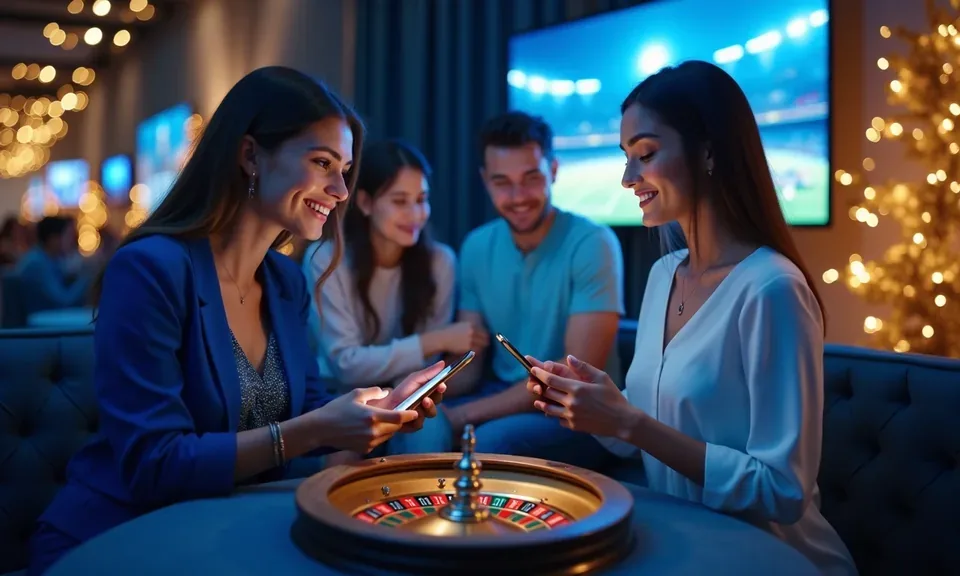
Open the luckyland lobby from your phone's browser and you get the full catalog — Cherry Bar Nights, Lightning Blackjack, and the sportsbook betslip all load cleanly on a smaller screen. Push notifications let us flag when a same-game parlay market opens for an upcoming NFL game, so you're not hunting through menus on kickoff day. Quick deposit from your account wallet
keeps things moving, and fingerprint login means you're past the lock screen in a second rather than typing a password. The mobile layout adjusts automatically, so portrait or landscape both work without pinching.

Getting into the luckyland mobile lobby doesn't involve an app store or an APK file. The site is built to run in your phone's browser — Chrome, Safari, or Firefox all work. Here's how most people get set up on their first session. Confirm that access is available in your state before creating an account, since eligibility is determined by local law.
Once you're in, the layout and your account balance carry over from desktop automatically, so there's no separate mobile profile to manage.
These are the questions we hear most from people setting up mobile access for the first time — covering everything from how the login works to whether a native app exists.
Service availability depends on eligible states and local law. US online casino and sportsbook access is licensed state by state, so check your state's rules before opening an account. 21+ where applicable.
Access may be available only in states where local law permits.